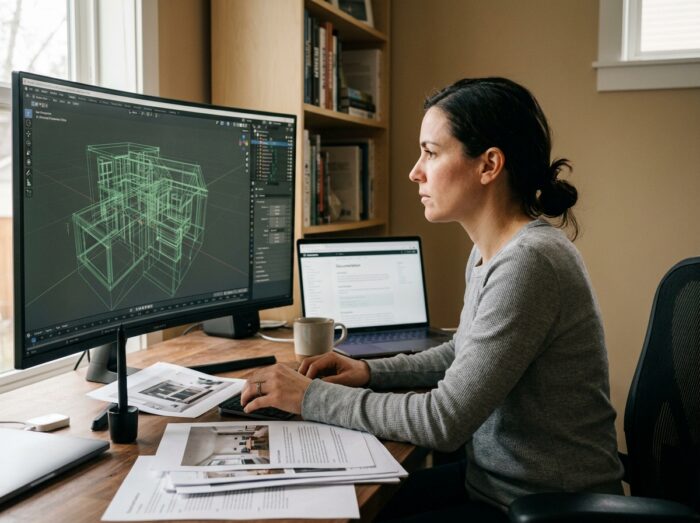
3D infographics rely on a set of technical skills (modeling, texturing, lighting, rendering) that are rarely built solely through the accumulation of video tutorials. After a certain stage, progress slows down because freely available content covers the basics without addressing professional workflows or real production constraints. Several structured alternatives allow one to overcome this hurdle.
3D Production Pipeline: The Skill That Isolated Tutorials Do Not Cover
A tutorial teaches a skill in software. A production pipeline links modeling, UV mapping, texturing, rigging, animation, lighting, and rendering in a precise order, with exchange formats between each step. This pipeline workflow logic distinguishes an operational professional from a self-taught individual who masters scattered fragments.
Recent courses now integrate real-time engines, Python, Blueprints, shaders, immersive UX, GitHub, and project management tools. Skill development comes as much from technical collaboration as from mastering a given software.
Understanding this complete pipeline changes the way of learning: instead of searching for a tutorial for each problem, one structures their progression around the actual production steps. It is often when 3D tutorials are no longer sufficient that this awareness occurs, and it becomes necessary to shift to a more demanding learning framework.
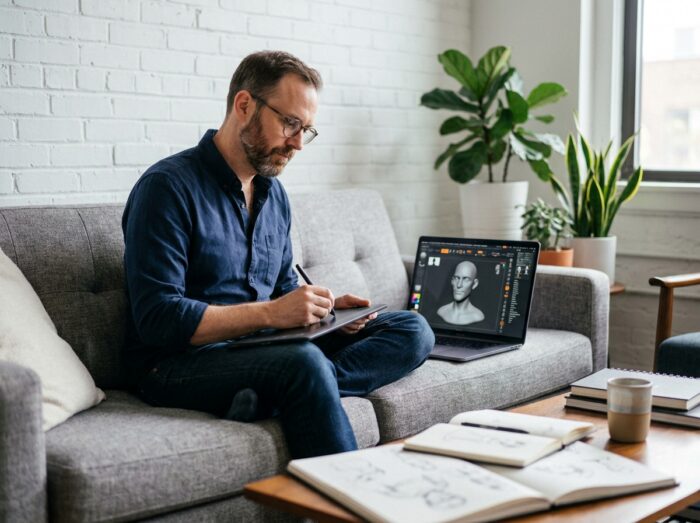
Mentorship and Supervised Projects: Progressing Through Supervised Practice
Mentorship through real projects is a direct alternative to tutorials. The principle: an active professional supervises the creation of a complete deliverable (scene, character, environment) from the initial brief to the final render. Each technical decision is subject to reasoned feedback.
This format corrects a structural flaw of self-training. A tutorial never comments on the learner’s mistakes. A mentor identifies approximations in a mesh’s topology, points out inconsistent lighting, or explains why a shader does not work in a real-time engine.
What a Complete Immersive Project Changes
Recent training programs combine prototyping, user testing, and the realization of a complete immersive project. The learner does not work on an isolated exercise but on a deliverable close to studio conditions. This approach develops the ability to arbitrate between visual quality and performance constraints, a reflex absent from traditional tutorials.
Feedback from a peer or supervisor on a finished project also requires defending one’s technical choices. This is an exercise that online video does not offer, and it directly prepares one for production reviews in a company.
Targeted Short Courses: Software, Technique, or Certification
Between free tutorials and multi-year degree programs, supervised short courses occupy a specific niche. They address an identified need: mastering a specific software, acquiring a rendering technique, or preparing for a certification.
Organizations offer in-person or synchronous virtual classes, ranging from a few days to a few weeks. The difference from a tutorial lies in three elements:
- An instructor corrects manipulation and method errors in real-time, which accelerates the acquisition of technical skills.
- The program follows a progression validated by industry professionals, not an editorial assembly optimized for viewing.
- Some sessions provide a certificate or prepare for a recognized certification, which structures the pathway beyond just adding skills.
Professional Certification and Formal Recognition
Professional certification becomes a distinct path from self-training. Some programs are associated with titles registered in the RNCP, giving them formal recognition from employers. The 3D Animation Cinema and Special Effects program at ESMA, for example, is associated with the RNCP40876 title at level 7, registered on June 25, 2025, for five years.
This distinction matters. A strong portfolio remains the primary hiring criterion in studios, but a certified title facilitates access to funding (CPF, OPCO) and reassures recruiters about the structuring of the pathway.
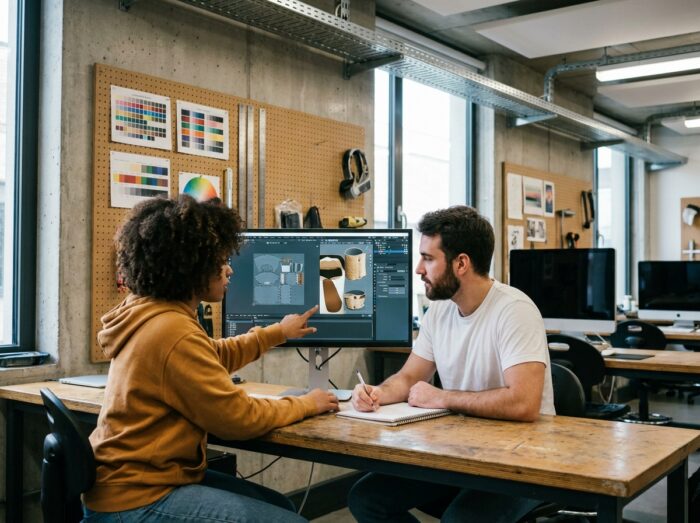
Cross-Disciplinary Skills in 3D Graphics: Beyond Software
Improving in 3D is not just about learning a new button in Blender or Maya. Several cross-disciplinary skills separate a software operator from a graphic designer capable of completing a design project.
- Light programming (Python, expressions, automation scripts) allows for the creation of internal tools, automation of repetitive tasks, and communication with studio developers.
- Artistic culture (composition, color theory, anatomy, perspective) remains the foundation of any convincing visual creation, and no plug-in can replace it.
- Project management and versioning (Git, naming conventions, scene organization) condition teamwork on productions of more than a few shots.
Online tutorials rarely cover these aspects because they generate fewer views than a spectacular rendering demonstration. Structured training, school workshops, and mentorship integrate them more naturally, as they replicate the demands of a production environment.
The choice between tutorials, mentorship, short training, or certified programs depends on the stage of progress and the goal pursued. A beginner benefits from free resources to discover software. An intermediate practitioner who is stagnating should invest in supervised support, where human feedback and project logic replace passive video consumption. 3D graphics skills are built in successive layers, and each layer calls for a different learning format.